
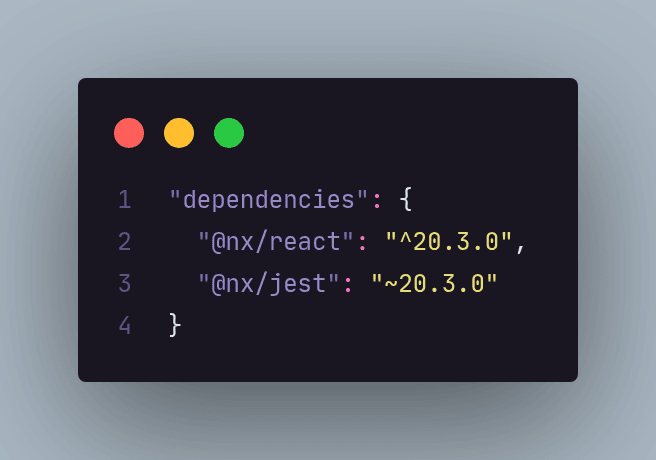
When working with React, Angular, or Vue, you’ve probably noticed symbols like ^ and ~ in your package.json file and wondered what they actually mean.
If you’ve ever looked at a dependency version and felt unsure about how updates are handled, you’re not alone. These small symbols play a big role in how npm decides which versions of a package are allowed to be installed.
Understanding how they work can help you keep your project up to date while avoiding unexpected breaking changes.
The most common version modifiers
^ (Caret): The caret allows minor and patch updates, but prevents breaking (major) changes.
For example:
"^1.1.0"allows updates to any version>= 1.1.0and< 2.0.0- Valid updates:
1.2.0,1.9.3 - Invalid update:
2.0.0
This is the default behavior for npm and is widely used because it balances stability and access to new features.
~ (Tilde): The tilde is more conservative and allows only patch-level updates.
For example:
"~1.4.0"allows updates to any version>= 1.4.0and< 1.5.0- Valid updates:
1.4.1,1.4.9 - Invalid update:
1.5.0
This option is useful when you want to minimize the risk of changes affecting your application’s behavior.
See you later! 😉